
Description
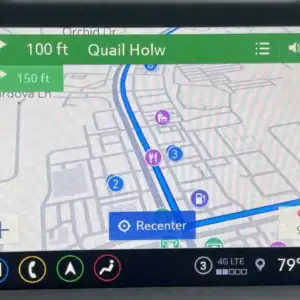
Add Factory Navigation and HD Radio to your 2019+ IOS Infotainment Equipped GM Vehicle!
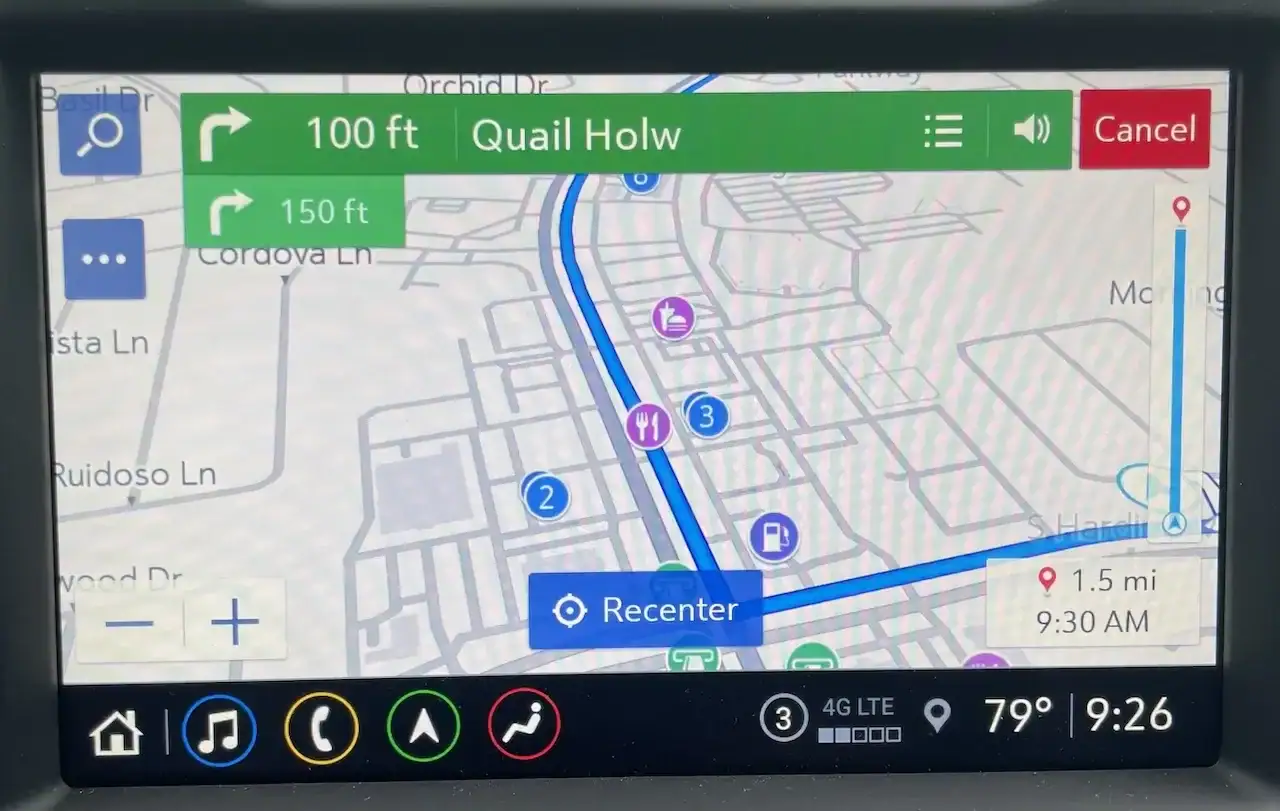
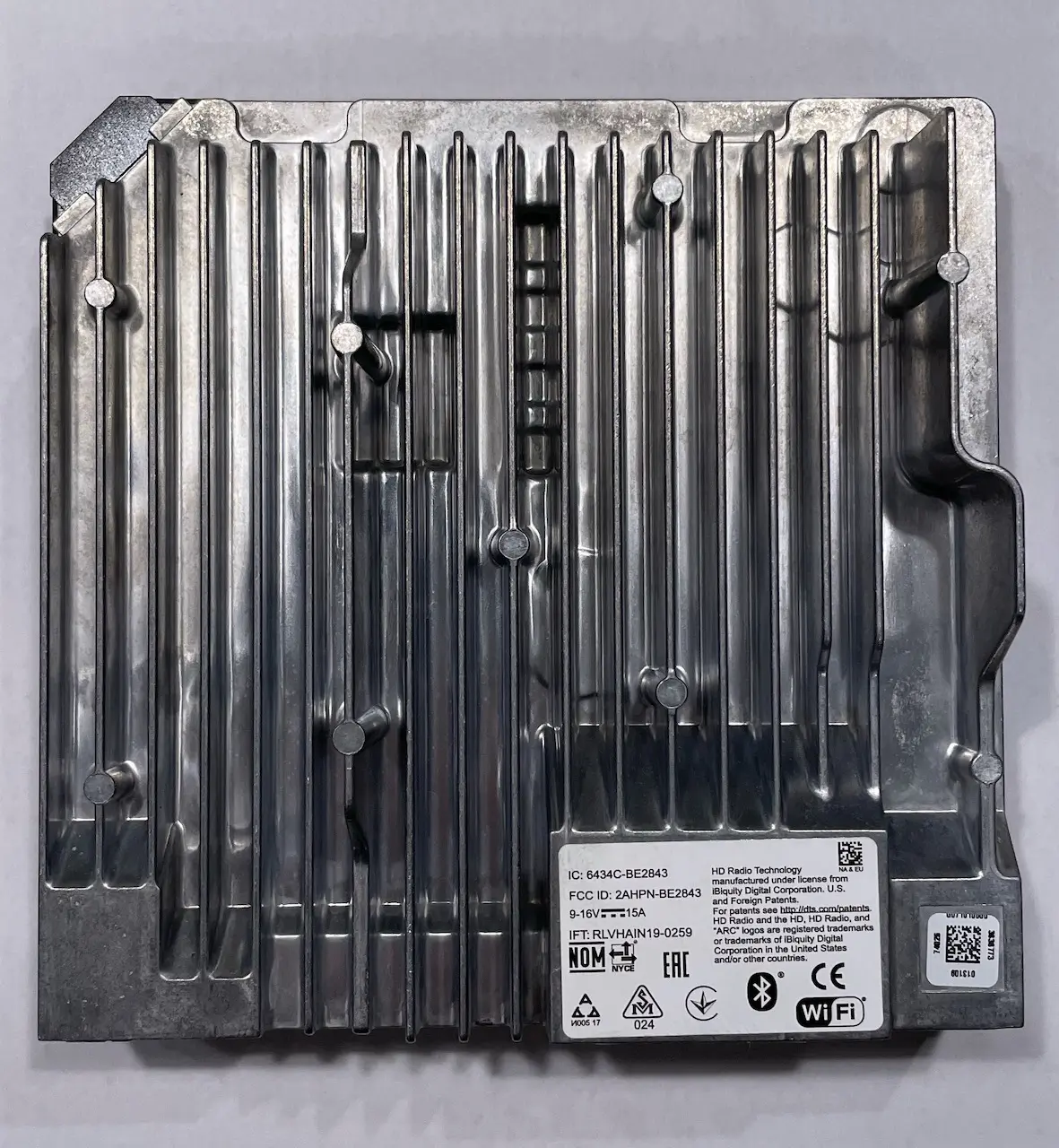
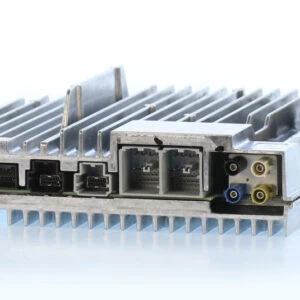
This ship in service for your factory IOS Radio Module (CSM Module) adds full factory embedded navigation, HD Radio and GM back end navigation support for features like “send destination to vehicle” through OnStar for full proper operation. This brings your IOS radio up to IOU Navigation specs. It is ONLY necessary to ship in your Radio/CSM module to us for this service which we will properly retrofit program and send back with a Map Database SD Card. Again this is a ship in service for YOUR radio module, we do not provide hardware for this service.
Here you can see an awesome install and review of this service from our friends at Harness Dr.
PLEASE NOTE: This service is currently NOT compatible with GM VIP (Global B) Platform Applications. This includes C8 Corvette, 2021 Tahoe/Yukon/Suburban and Cadillac CT4/5. Also due to GM Decontenting related to the COVID-19 “Chip Crisis” certain 2021-2022+ Radios do NOT have the HD tuner chip in them. If you have one of these radios the HD Radio option will not show on the radio screen. Also there is currently a bug in 2021-2022 V158 radio software that can hamper SD Map Cards from Marrying properly so if your 2021 radio has been updated to this version please just mention that in the order notes.
Please make sure you read through the ENTIRE description / Q&A section prior to ordering so you understand what this upgrade entails, if your vehicle is capable of it and what features are applicable.
FAQ:
Q: How do I know if this upgrade will work for me?
A: You will need to have the IOS (Mid Level) Radio without navigation (With an SD Card Slot). If you have IOS WITHOUT an SD Card slot you will need to swap out the existing USB hub for one that includes the SD Card Slot. This service will NOT work on IOR or IO4/5/6 equipped vehicles. If you are confused as to which infotainment version your vehicle has you can check the QR code on your build label to see which radio you have this is generally on the Driver or Passenger Door Jamb / B Pillar area or the glovebox.
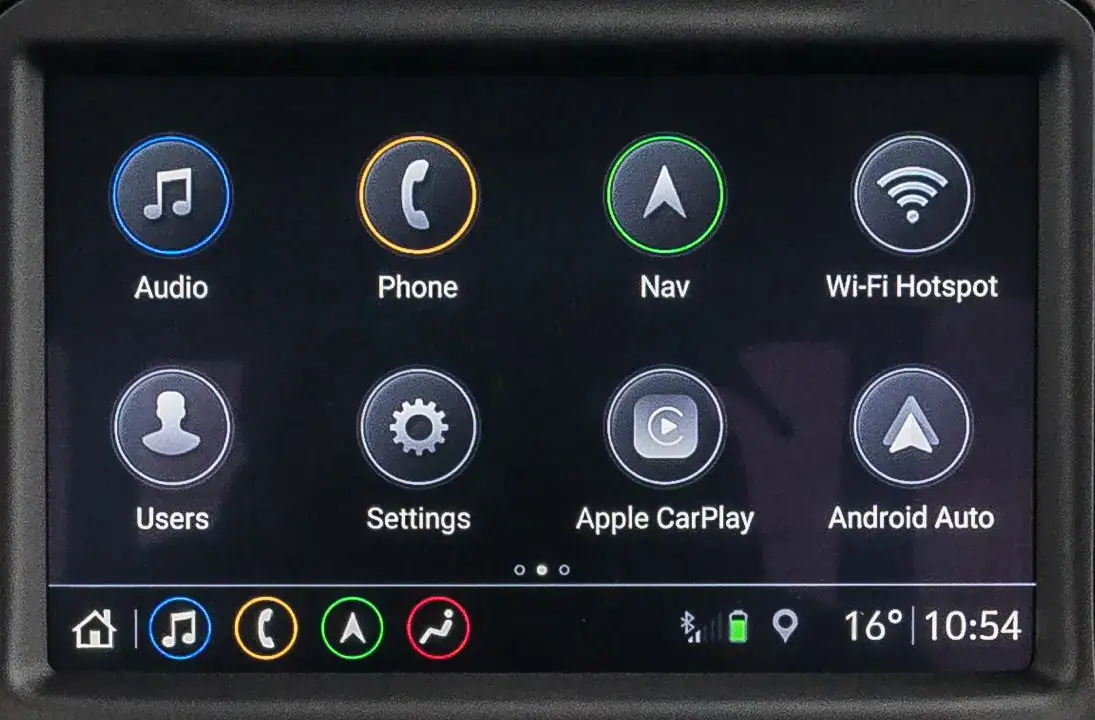
Q: I have a 2019-2020 vehicle and would really like Wireless CarPlay and Android Auto as well as the NAV and HD radio is that an option?
A: Check under your specific vehicle type for a Wireless CarPlay / Android Auto Kit if its there as thats the better option as you’ll get everything AND a brand new radio with Wireless CarPlay / Android Auto to boot.
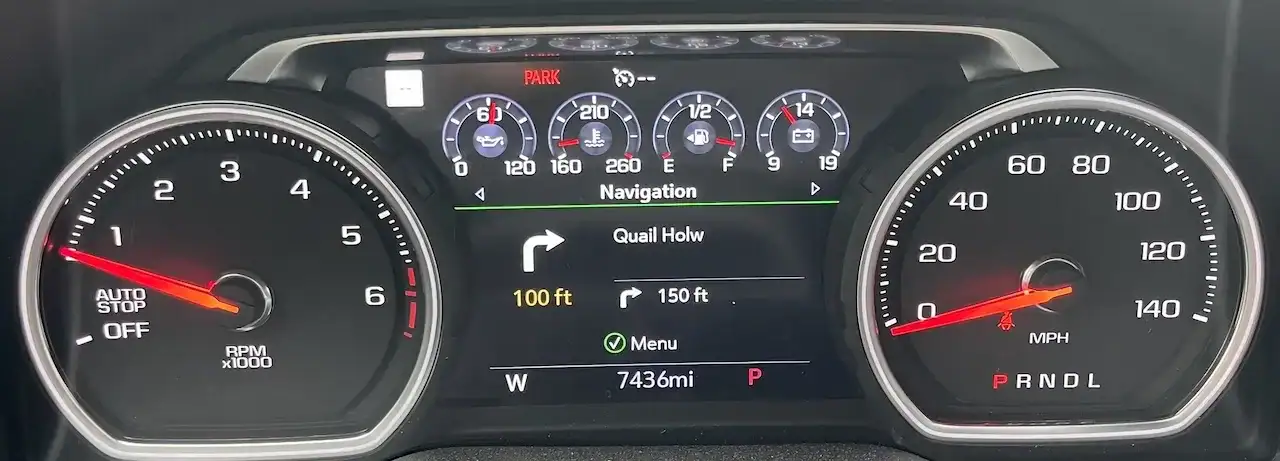
Q: I bought one of your High Country / Denali Cluster upgrades that has the support for the speed limit “Traffic Signs” will this make those functional?
A: Yes it sure will (as long as you’re on a road that has data)! as well as the turn by turn navigation in the instrument cluster as shown above.
Q: Will this work for HMI based vehicles?
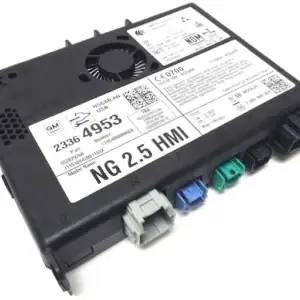
A: No this is only info 3.0+ CSM equipped vehicles. We do however sell a navigation upgrade for HMI based vehicles.
Q: How do you know which options I have?
A: We will configure the unit using the factory build data associated with your vin for options.
Q: Do I need to send my screen in or anything else?
A: Nope you just send ONLY the Radio/CSM module thats it.
Q: It’s really plug and play?
A: Yes your unit arrives back ready to go and pre registered with GM for infotainment feature continuity and plug and play simplicity. The ONLY thing you’ll have to do at install prior to inserting the SD Card is run all 3 “factory reset” functions on the radio let it reboot then install the SD card wait 10 seconds press the “NAV” icon and follow the prompts..
Q: Does this service include the map database?
A: Yes it sure does!
Q: How hard is the install?
A: Pretty easy for the majority of applications if you take your time and have basic Automotive knowledge. Most of the time the unit resides below the glove box so you must remove the lower insulator under the glove box, remove a small inverter (if equipped), possibly unplug a harness to move out of the way then unplug the old unit release it from its mount then install the new unit. We are over simplifying it here but its really not a bad install, generally you just need a good small automotive pick, a 10mm socket and some patience. You can check out the installation instructions for our wireless CarPlay kit for the T1 trucks which will give you a good idea how this goes for most vehicles.
Q: Will my vehicle run without this module installed?
A: Yes it will! You may have a park assist error if your vehicle is equipped because it’s looking for the radio to generate the tones for the park assist.
{
“@context”: “https://schema.org”,
“@type”: “FAQPage”,
“mainEntity”: [
{
“@type”: “Question”,
“name”: “How do I know if this upgrade will work for me?”,
“acceptedAnswer”: {
“@type”: “Answer”,
“text”: “You will need to have the IOS (Mid Level) radio without navigation but with an SD card slot. If you have IOS without an SD card slot, you will need to swap the existing USB hub for one that includes the SD card slot. This service will NOT work on IOR or IO4/IO5/IO6 equipped vehicles. If you are unsure which infotainment version your vehicle has, scan the QR code on your build label (generally on the driver or passenger door jamb/B-pillar area or the glovebox) and check which radio RPO code you have.”
}
},
{
“@type”: “Question”,
“name”: “I have a 2019–2020 vehicle and would really like Wireless CarPlay and Android Auto as well as NAV and HD Radio. Is that an option?”,
“acceptedAnswer”: {
“@type”: “Answer”,
“text”: “Check under your specific vehicle type for a Wireless CarPlay / Android Auto kit. If it is available, that is the better option since you will get everything plus a brand-new radio with Wireless CarPlay and Android Auto.”
}
},
{
“@type”: “Question”,
“name”: “I bought a High Country / Denali cluster upgrade with support for the speed limit ‘Traffic Signs’. Will this make those functional?”,
“acceptedAnswer”: {
“@type”: “Answer”,
“text”: “Yes, it will, as long as you are on a road that has the necessary map data. It will also enable turn-by-turn navigation in the instrument cluster as shown in the product photos.”
}
},
{
“@type”: “Question”,
“name”: “Will this work for HMI-based vehicles?”,
“acceptedAnswer”: {
“@type”: “Answer”,
“text”: “No. This service is only for Info 3.0+ CSM-equipped vehicles. For HMI-based applications, use the GM factory navigation retrofit for HMI-based applications instead.”
}
},
{
“@type”: “Question”,
“name”: “How do you know which options my vehicle has?”,
“acceptedAnswer”: {
“@type”: “Answer”,
“text”: “We configure the unit using the factory build data associated with your VIN, so it matches your vehicle’s original equipment and options.”
}
},
{
“@type”: “Question”,
“name”: “Do I need to send my screen or any other parts?”,
“acceptedAnswer”: {
“@type”: “Answer”,
“text”: “Nope. You just send ONLY the radio/CSM module—that’s it.”
}
},
{
“@type”: “Question”,
“name”: “Is it really plug and play?”,
“acceptedAnswer”: {
“@type”: “Answer”,
“text”: “Yes. Your unit comes back pre-registered with GM for infotainment feature continuity and is plug-and-play. The only thing you need to do at install, before inserting the SD card, is run all three factory reset functions on the radio, let it reboot, then insert the SD card, wait about 10 seconds, press the NAV icon, and follow the prompts.”
}
},
{
“@type”: “Question”,
“name”: “Does this service include the map database?”,
“acceptedAnswer”: {
“@type”: “Answer”,
“text”: “Yes, it includes the map database needed for factory navigation.”
}
},
{
“@type”: “Question”,
“name”: “How hard is the install?”,
“acceptedAnswer”: {
“@type”: “Answer”,
“text”: “For most applications, installation is straightforward if you take your time and have basic automotive knowledge. In many vehicles, the module is located below the glove box. You typically remove the lower insulator, remove a small inverter if equipped, possibly unplug a harness to move it out of the way, then unplug the old unit, release it from its mount, and install the new unit. Usually a small pick tool, a 10mm socket, and some patience are all that are required. The 2019–2021 T1 radio install instructions for the wireless CarPlay kit provide a good reference for the procedure.”
}
},
{
“@type”: “Question”,
“name”: “Will my vehicle run without this module installed?”,
“acceptedAnswer”: {
“@type”: “Answer”,
“text”: “Yes, the vehicle will run without the radio/CSM module installed. However, if your vehicle is equipped with park assist or related features, you may see park assist or chime-related errors because the system expects the radio to generate the alert tones.”
}
}
]
}
Robert Delawder (verified owner) –
The upgrade for my 2021 Chevy Silverado 1500 LT from the factory IOS radio module to a IOU module that now has factory navigation was AMAZING. It is the best upgrade so far. The process from finding out about WAM by watching Phil the harness Dr YouTube, then placing the order, sending in my module and getting it back from WAM was extremely easier than expected. Great job WAM! The next upgrade plan for me is going to be a dash cluster upgrade to either the High Country or the Denali. I can’t wait to do that upgrade. Thanks White Automotive & Media Services!!!