
Description
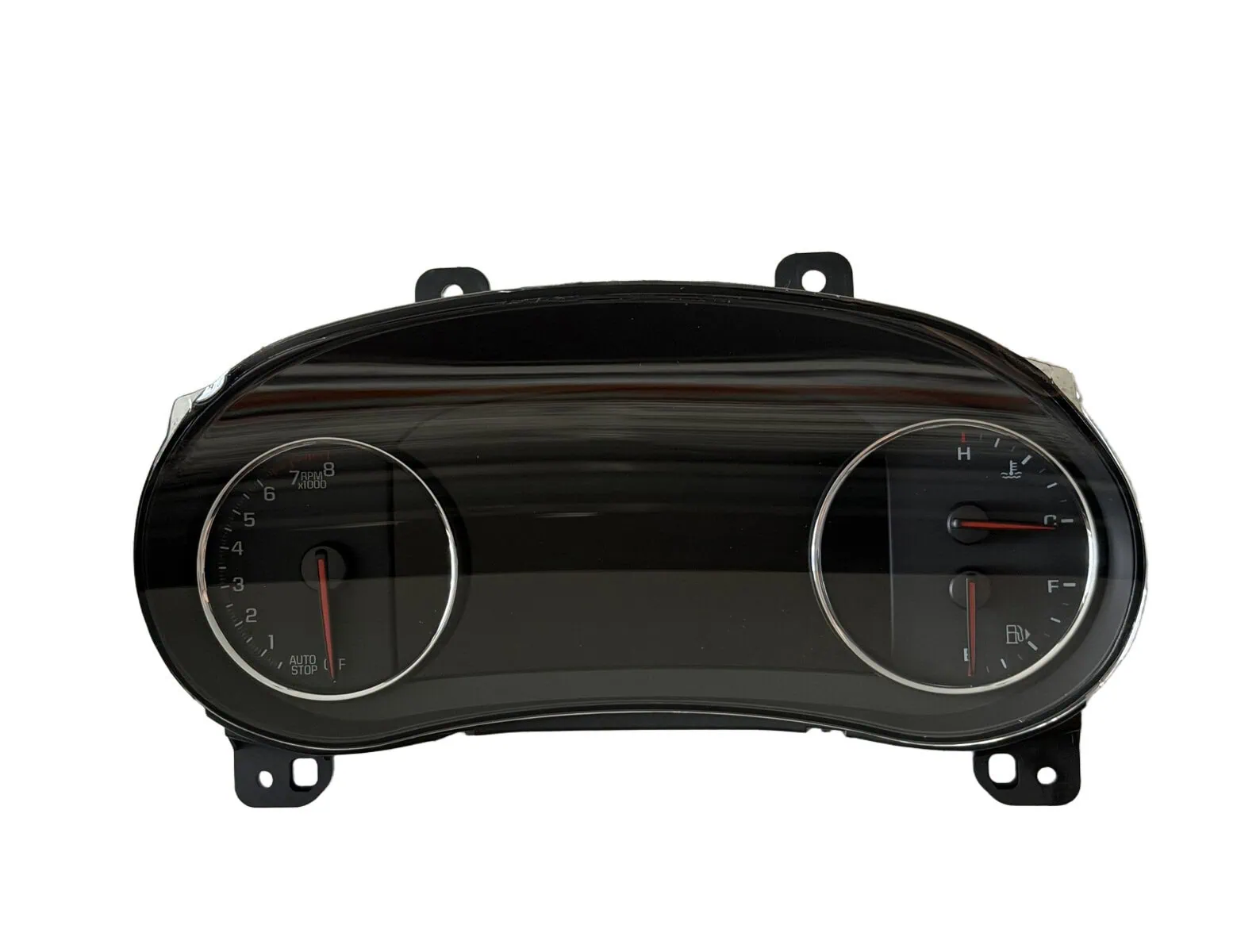
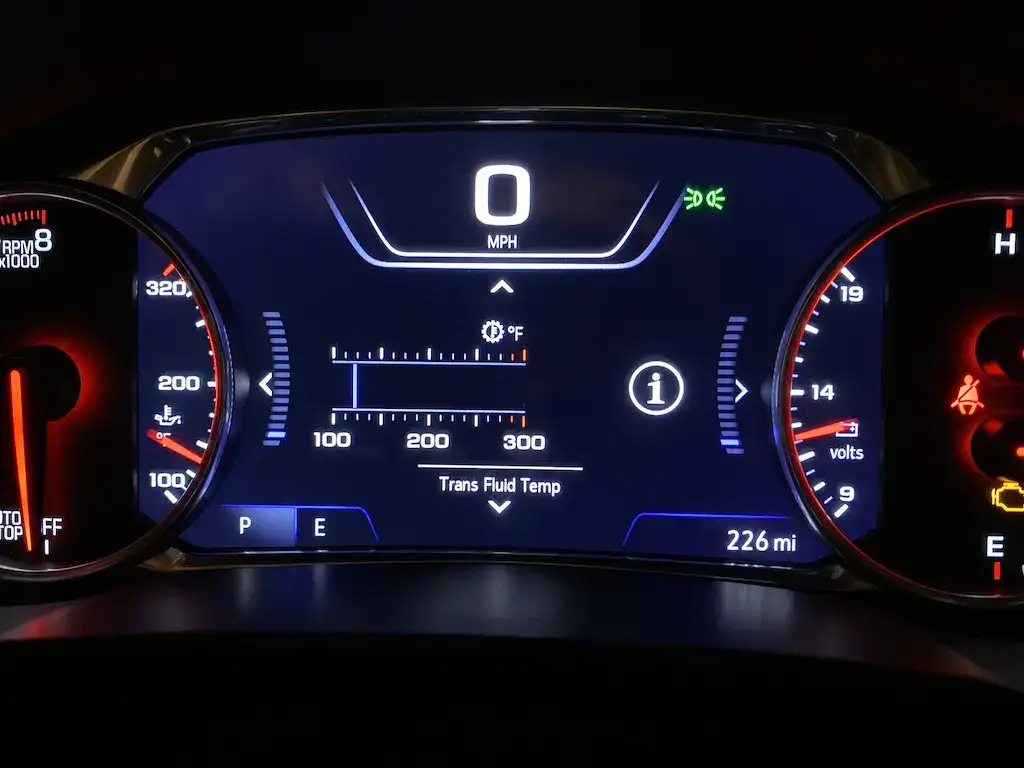
Upgrade your 2019 through 2025 model year Chevrolet Malibu with the WAMS 8″ Digital Cluster Upgrade Kit, engineered to replace your factory base instrument cluster with a full factory-style 8″ reconfigurable digital driver information center , the same uplevel display that was fitted from the factory to the Premier (2019-2022) and 2LT (2023-2025) trims. This cluster retrofit retains full steering wheel control support and original menu functionality. Every unit arrives preprogrammed to your VIN, tailored to your model and options, and ready for plug-and-play installation. Whether your car is equipped with navigation, park assist, or other factory options, we configure the cluster to match your build. Each unit is brand-new, backed by full GM warranty, and engineered for seamless OEM-grade operation.
This kit fits 2019-2025 Chevrolet Malibu models equipped with the turbocharged 1.5L (LFV) engine that left the factory with the base instrument cluster , typically the L, LS, RS, LT, and 1LT trims. The unit we supply is configured for the 1.5L (LFV) application.
This is the wrong cluster if your Malibu already has the 8″ digital display. The uplevel display came standard on the Premier (2019-2022, all of which use the 2.0L turbocharged LTG engine) and on the 2LT (2023-2025). Those cars already have this unit and do not need the kit. If you are unsure, check your trim or send us your VIN before ordering and we will confirm fitment for you.
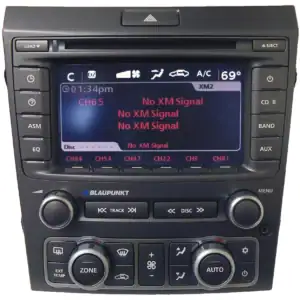
Important radio compatibility note: In order to utilize the Music, Navigation (if equipped), and Phone cluster display menus you will need a factory IOS or IOU radio; the IOR radio (the 8″ Chevrolet Infotainment 3 base system found on most base-cluster cars) does not have the capability to drive those particular menus. Steering wheel audio controls and all other standard cluster functions still operate normally regardless of which radio you have.
PLEASE NOTE: These units are special order and subject to varying lead time beyond our control. Please make sure you triple check your selected cluster before checking out as the system automatically places an order with the manufacturer.
FAQ:
Q: How does this work?
A: Enter your VIN. We work out your model year from it and select the correct cluster automatically. If you have a 2023 you will also be asked whether your car has Auto Stop/Start. Once the new pre-programmed unit arrives, simply install it and go!
Q: How do I know if this is the right cluster for my Malibu?
A: This kit is for 2019-2025 Malibus with the turbocharged 1.5L (LFV) engine that currently have the base instrument cluster , typically the L, LS, RS, LT, and 1LT trims. If your car already has the 8″ digital display (the Premier, which uses the 2.0L LTG engine, or the 2LT), it already has this unit and does not need the kit , ordering it would be the wrong cluster for your car. When in doubt, send us your VIN before ordering and we will confirm fitment.
Q: I have upgraded, or plan to upgrade, to factory navigation eventually , will this cluster show the speed limit?
A: Yes it will. We set all of these up for navigation regardless, so the unit doesn’t need to be sent back when you finally perform the upgrade.
Q: How do you know what options my Malibu has so the cluster can be properly configured?
A: From your VIN! If you have added any factory options you think the cluster should display or interact with, just put them in the order notes.
Q: My Malibu was built without auto stop/start , will the cluster still match?
A: Yes. Some 2023 Malibus left the factory without the Automatic Stop/Start system (RPO NSS). On those cars the stop/start disable button isn’t present and the cluster does not display the stop/start function. If you have one of these 2023’s please select the “NO AUTO STOP” variant shown for 2023. If you know your car is an NSS build, feel free to note it in the order as well.
Q: Can you do this for Export (metric clusters)?
A: Absolutely, and we can supply them in the same manner as US-spec units. Generally the only real differences are the icons on the fuel gauge and the temperature scale. If you’re OK with the US version, simply order that and we’ll set up the center display with the speedometer in metric.
Q: Does it HAVE to be the same model year of cluster as my Malibu?
A: If you wish to have 100% OEM functionality AND retain your factory or factory-backed extended warranty, you MUST choose the same model year cluster as your Malibu, as directed.
Q: Will I lose any features?
A: You should not lose any features you had before, although some features may now be combined as part of different menus or displays. Please note: in order to utilize the Music, Navigation (if equipped), and Phone cluster display menus you will need a factory IOS or IOU radio; the IOR radio does not have the capability to drive those menus. Steering wheel audio controls and all other standard cluster functions still operate normally.
Q: How do I know which radio I have?
A: Knowing which radio you have isn’t required to order, but it tells you what to expect feature-wise. Scan the QR code on your build label (usually in the driver’s door jamb) and look for one of these radio RPO codes: IOR (8″ base Chevrolet Infotainment 3, no navigation), IOS (8″ without navigation), or IOU (8″ with navigation). The Music, Navigation, and Phone cluster display menus require an IOS or IOU radio; the IOR cannot drive them. The in-cluster Speed Limit display requires factory embedded navigation to drive it.
Q: Will I gain any features?
A: You may gain some features, as the uplevel clusters have slightly different menu selections. We can also enable things you have added, such as indicators for front park assist, or the navigation menu if you have added factory navigation. If you have added FACTORY options that your Malibu didn’t have when it was produced, please list them in the order notes section at checkout.
Q: Can you delete warning indicators for items I may have removed from the vehicle?
A: Yes we can. This would all be custom and priced as such , contact us for details.
Q: What is the Pocket Gauges and Transmission Temp option?
A: This option adds the ability to customize the “pocket gauges” located on the left and right side of the screen that are normally not configurable, as well as adding a transmission temperature gauge. Please note that the Pocket Gauges portion of this option is only compatible with the 2019-2020 Malibu.
Q: Do you need my current mileage?
A: Nope! On these vehicles the odometer is stored in the vehicle, not just in the cluster, so the new unit syncs to your actual mileage when you install it. Your correct mileage will be there , there’s nothing for you to send us.
Q: Do I need to send in my factory cluster?
A: Nope! We are sending you a factory-fresh unit.
Q: Will the cluster look exactly like what’s shown in the product picture?
A: The cluster will look correct for your model year. Exact graphics and menus vary based on model year and the options you choose, but it will be configured properly for your specific vehicle.
Reviews
There are no reviews yet.